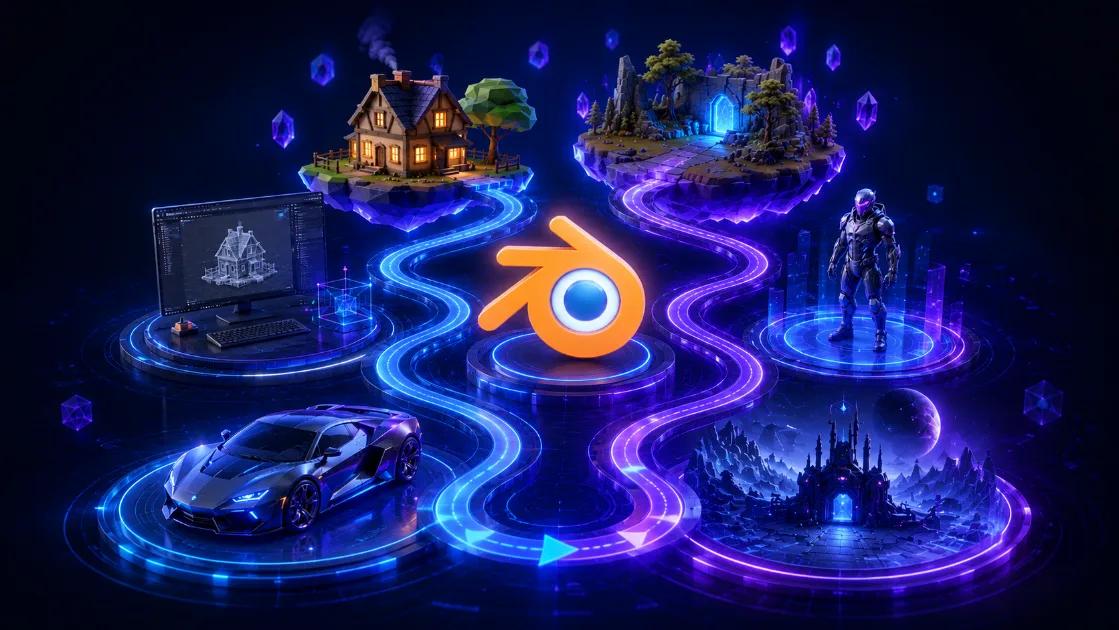
The Complete Blender Learning Roadmap for Beginners in 2026
The Complete Blender Learning Roadmap for Beginners in 2026
Learning Blender can feel overwhelming when you first open it. There are hundreds of buttons, dozens of workflows, and thousands of tutorials online. The good news is that you do not need to learn everything at once.
Quick answer: Start with navigation and basic modelling, then move into materials, UVs, lighting, animation, and finally advanced topics like geometry nodes and simulations.
Stage 1: Learn the Blender Interface
- Viewport navigation
- Object Mode and Edit Mode
- Collections and Outliner
- Basic shortcuts
- Transform tools
Stage 2: Master Basic Modelling
- Extrude tool
- Loop cuts
- Inset and bevel
- Using modifiers
- Creating simple objects
Stage 3: Learn Materials and Textures
- Material properties
- Principled BSDF shader
- Image textures
- UV unwrapping
- Texture painting
Stage 4: Lighting and Rendering
- Three-point lighting
- HDRIs
- Eevee vs Cycles
- Camera composition
- Render settings
Stage 5: Intermediate Modelling
- Hard surface modelling
- Low-poly workflows
- Environment creation
- Product rendering
- Asset optimization
Stage 6: Animation Basics
- Keyframes
- Timeline and Dope Sheet
- Graph Editor
- Camera animation
- Simple character animation
Stage 7: Rigging and Characters
- Armatures
- Weight painting
- IK and FK systems
- Character setup
Stage 8: Advanced Blender Topics
- Geometry Nodes
- Sculpting
- Cloth simulation
- Fluid simulation
- Particle systems
- Compositing
Stage 9: Blender for Games
- Creating game-ready assets
- Low-poly optimization
- Baking textures
- Exporting to Unity
- Exporting to Unreal Engine
Suggested Projects
- Coffee mug
- Gaming chair
- Simple room
- Low-poly house
- Car model
- Game environment
- Character model
FAQ
How long does it take to learn Blender?
Most beginners can become comfortable in two to three months with regular practice.
Should I learn modelling before animation?
Yes. Understanding modelling fundamentals makes animation and rigging much easier.
Is Blender good for game development?
Absolutely. Blender is one of the most popular tools for creating game-ready assets.
Final Thoughts
Blender is huge, but you do not need to master everything immediately. Focus on one stage at a time, build small projects, and keep creating. A strong foundation in modelling and materials will make the rest of the journey much easier.
More Posts
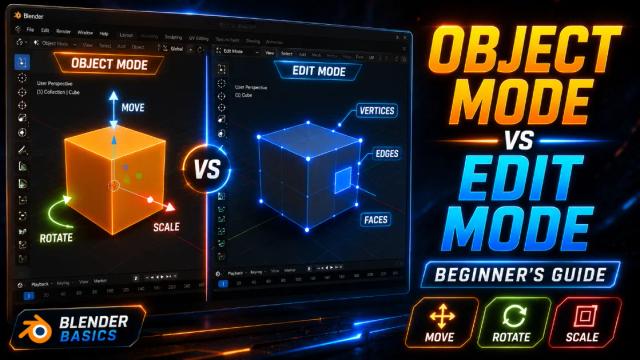
Learn the Blender Interface: Understanding Object Mode and Edit Mode
Learn the difference between Object Mode and Edit Mode in Blender and understand when to use each one while creating 3D models.
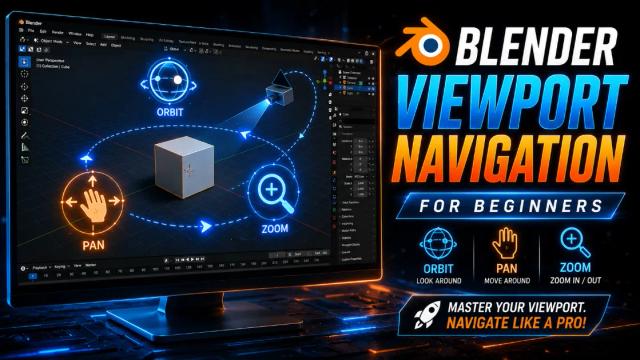
Blender Viewport Navigation for Beginners: Move Around the 3D Space Like a Pro
Learn how to orbit, pan, zoom and navigate Blender's 3D viewport with essential shortcuts every beginner should know.
What Is Lowpoly 3D Modeling and Why Indian Game Creators Should Care
Lowpoly 3D modeling is lightweight, game-ready, and perfect for Indian creators. Here's what it is, why it matters, and how to start.